Define entry and exit conditions around observable decisions for one job. Keep candidate identity separate from each job relationship so a postponed outcome in one search does not set a global candidate status.
Copyable stage definition template
| Stage | Entry condition | Exit condition | Owner and next action |
|---|---|---|---|
| Identified | Potential fit found against stated criteria | Identity and evidence reviewed; outreach decision made | Researcher: verify profile and context |
| Contacted | Reviewed first message sent from the approved account; date recorded | Reply, follow-up decision or closed outcome recorded | Named consultant: check reply and channel |
| Qualified | Conversation confirms relevant experience and interest to explore | Candidate and consultant agree on next role-specific step | Consultant: confirm current requirements |
| Presented | Candidate agrees to presentation and profile is sent to client | Client gives a decision or requests interview | Account lead: obtain and record feedback |
| Interview | Interview is agreed for this job | Feedback and candidate’s decision are recorded | Consultant: prepare both sides and follow up |
| Offer | Offer issued to the candidate; date and open terms recorded | Outcome is accepted, declined or withdrawn | Consultant: clarify open terms and next step |
| Hired | Placement is confirmed under your definition | Terminal search outcome; track post-placement follow-up separately | Named owner: record relevant closeout |
| Postponed / Rejected / Withdrawn | Role or candidate process pauses or ends | Reason and any permitted review action are clear | Consultant: close this job relationship; review only if appropriate |
Keep the person record separate from the job stage
Illustrative record: Sam is “Interview” for a finance director search and “Postponed” for a second mandate whose brief has changed. The person record retains identity and appropriately sourced background. Each job relationship holds its own stage, owner and next action. If the second mandate is withdrawn, it does not make Sam globally “Rejected.”
This distinction helps reporting too. A funnel counts transitions within a particular job; a candidate pool supports later search across the team’s records. Do not combine those views without defining the unit being counted.
Handle endings as outcomes, not forgotten rows
For a withdrawal, record who withdrew, when and the reason the person chose to share, using your ordinary note policy. For a rejection, preserve the decision and relevant client feedback in the job context. For postponement, say what is awaiting a decision, who will review it and whether another contact is appropriate. Avoid inventing a follow-up date where no one agreed to one.
In Yena, internal pipeline stages belong to a job and can be renamed or added for that job; workspace admins can maintain templates for new mandates. The documented starting stages include New, Applied, Screening, Longlist, Shortlist, Interview, 2nd Interview, Offer, Hired, Postponed and Rejected. They are internal job stages and are not automatically client-visible. See Stages and candidates (English) and Custom stages and templates (English).
Validate the template on one live mandate
- Pick a mandate with a clear briefing and agree what counts as a candidate relationship.
- Ask two consultants to independently place the same sample cases in the template.
- Compare where their interpretations differ; clarify entry and exit wording.
- Inspect postponed, rejected and withdrawn records to see whether the next action remains honest and useful.
- Check a funnel report against the same job and stage definitions before using it for management decisions.
Do not choose stages to match a universal count or borrowed conversion benchmark. A small retained-search desk and a high-volume staffing team may need different checkpoints. Consistent, understood definitions make your own reporting interpretable. For the related distinction between a person and recruiting records, see the recruiting CRM data-model test.
Worked example: define the stage before moving the card
Use this fictional finance director search to see how a stage definition makes handoffs testable. The team can rename or add stages for a job; the criteria below are an operating recommendation, not a built-in Yena template.
On a small screen, scroll the table horizontally.
| Stage | Entry condition | Exit condition | Owner / next action |
|---|---|---|---|
| Screening | Profile is linked to this finance director search and initial evidence is reviewed | Consultant records fit, gap or reason to stop | Researcher verifies evidence source and date |
| Shortlist | Required experience is supported and candidate agrees to be considered | Client presentation is approved or the job relationship is paused | Consultant confirms missing details and candidate preference |
| Interview | Client and candidate agree to an interview for this job | Feedback and candidate response are recorded | Consultant requests feedback from both sides |
| Postponed | A decision or timing issue pauses this job relationship | Search resumes, closes or a review is agreed | Mandate owner records reason and any agreed review point |
Before adopting the definitions, ask two consultants to place the same sample cases and compare their reasoning. A candidate may be in Interview for one mandate and Postponed for another. Keep client-facing presentation decisions in the client portal workflow; the internal pipeline is for the team.
FAQ
Should a candidate’s stage be global or tied to a job?
For agency work, distinguish the person record from the person’s progress in a particular mandate. The same candidate may have different statuses in different jobs; confirm that your system and reports preserve that distinction.
What should a useful pipeline stage definition include?
Record what qualifies someone to enter, what must happen to leave, who owns the next action and what action is due. Use the definitions to test the workflow with a real mandate.
How should a team record a withdrawal or postponed candidate?
Record the outcome on the relevant job relationship with a reason and appropriate next review. Keep the person record distinct; a withdrawal from one mandate does not automatically describe their status in another.
Does moving a card to a pipeline stage share it with the client?
The internal pipeline and client presentation are separate workflows. Choose candidates for presentation through the client portal; do not treat an internal stage change as client approval or visibility.
Some of our customers






Try it with your team
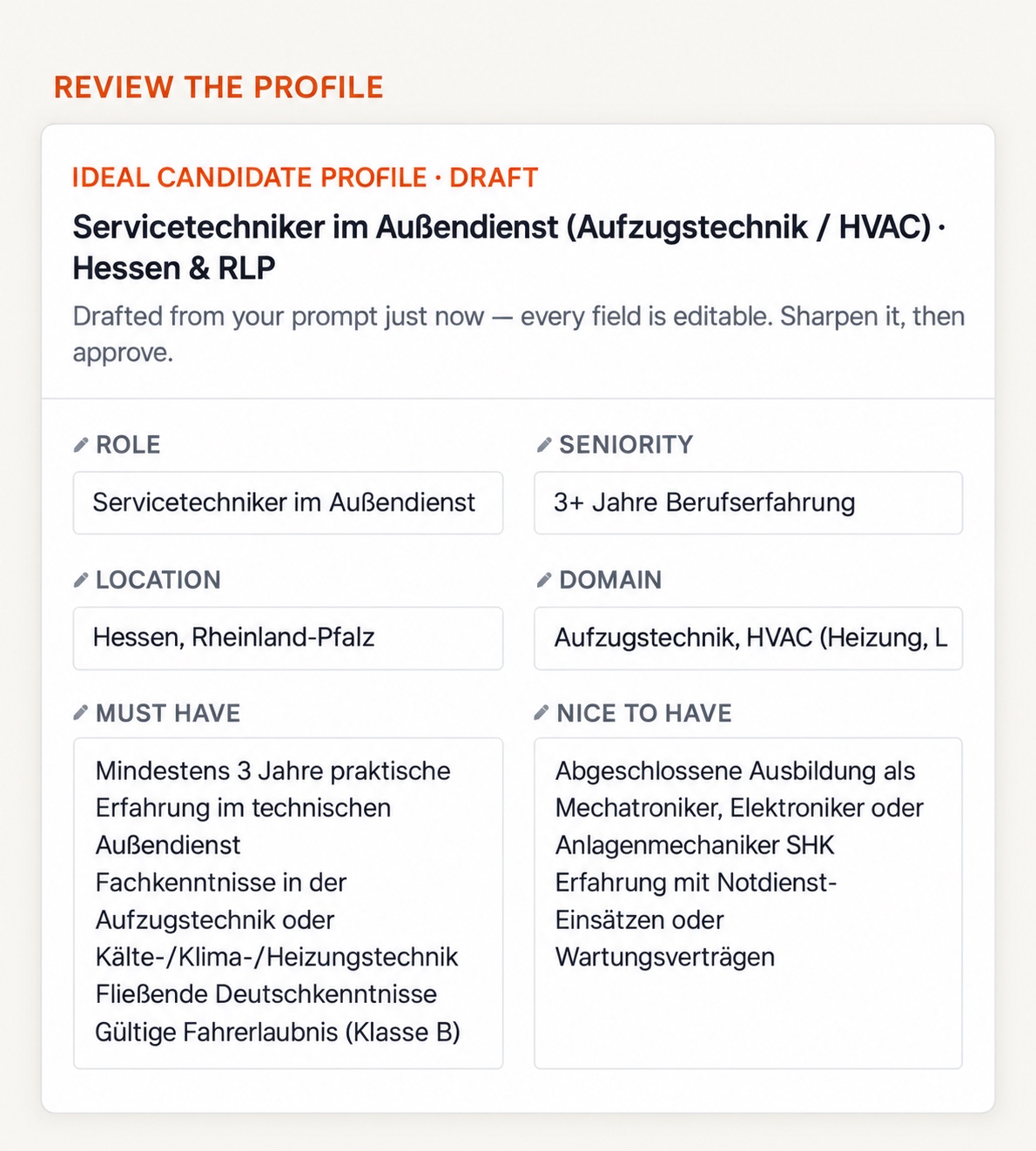
Set up a search profile before the role workflow
Review a brief’s role, region and criteria before beginning sourcing.
- Define role
- Choose region
- Review criteria