AI-Native Recruiting CRM for Agencies.
An AI-native recruiting CRM connects AI-assisted candidate search with your relationship history. Review fit evidence, import selected candidates into the ATS and continue with candidate records, notes, tasks and outreach in the same recruiting workflow.
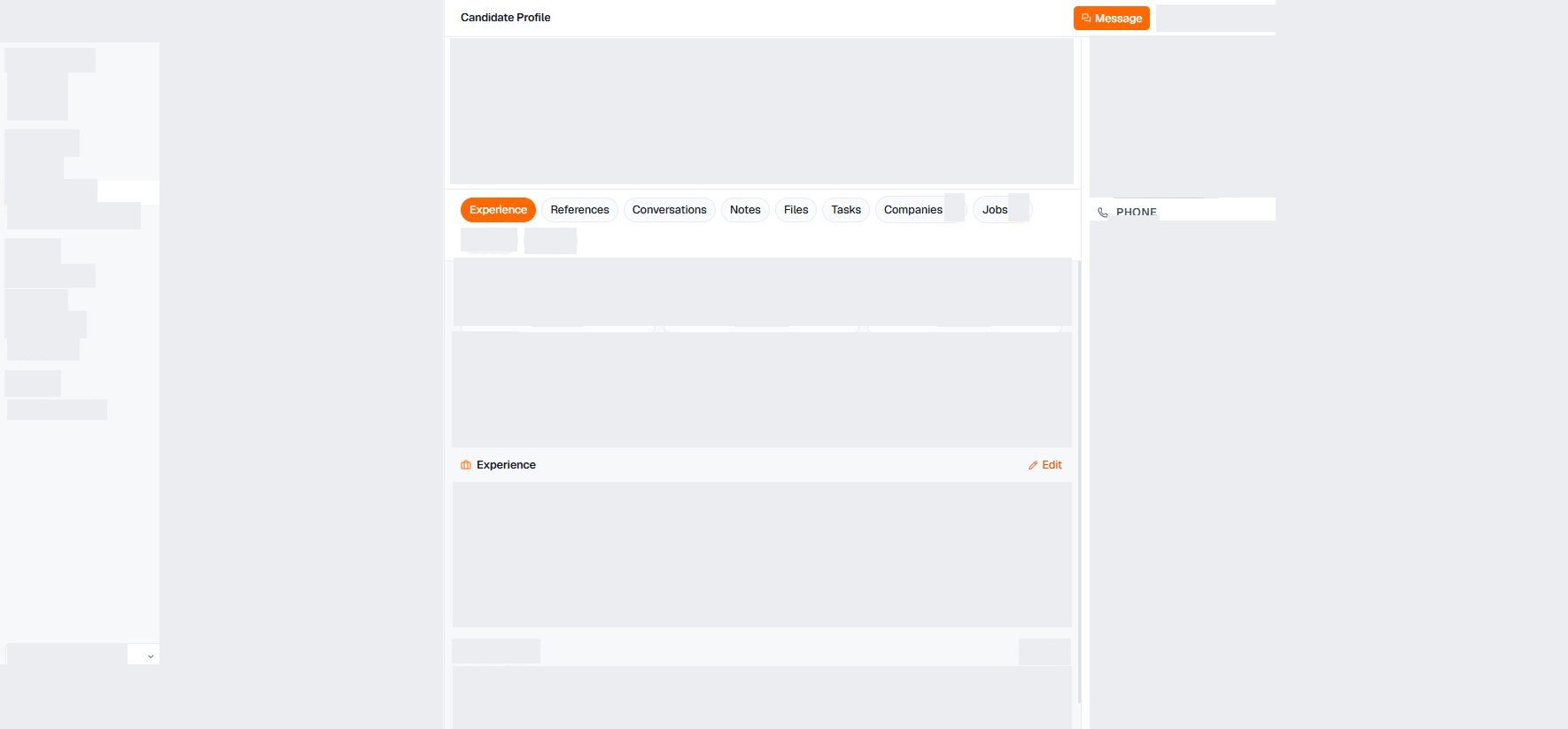
Candidate Search and Relationship Context Together.
An ATS organizes candidates and decisions in a hiring process. A recruiting CRM preserves context across searches. Evaluate both jobs in the same workflow.
- Turn a role brief into editable search criteria
- Search the public web and approved data providers
- Read fit evidence against the criteria
- Treat missing information as an open question
- Review results and refine the search
- Include your own recruiting CRM in the search
- Explicitly import selected candidates into the ATS
- Keep references, conversations and notes together
- Find files, tasks and activity on the record
- Review context linked to companies and jobs
AI Support in a Shared Recruiting Workflow.
Candidate context in one place
Continue working from the candidate record after selection:
- References and conversations
- Notes and files
- Tasks and activity
- Linked companies and jobs
From brief to reviewed shortlist
The documented Sourcer workflow supports a reviewable search:
- Edit structured criteria before the run
- Approve criteria and review results
- Read fit evidence and open questions
- Refine with Yes/Maybe/No feedback
Import selected candidates into the ATS
Import connects the shortlist to follow-up work:
- Explicitly import from the shortlist
- Review profile and experience on the record
- Check the linked employer
- Continue with notes, files and tasks
Review outreach before starting
A job can provide the starting point for a campaign draft:
- Check candidates and recipients
- Read the message before sending
- Explicitly start the reviewed campaign
- Continue follow-up in the candidate context
Test the CRM with One Mandate.
Illustrative example: a finance leader with hands-on migration responsibility. This is not a customer result.
Brief and criteria
BriefMake responsibility for a finance-system migration mandatory. A CFO title alone is insufficient.
Search and existing records
SearchDistinguish external discoveries from existing CRM records and note the source.
Review evidence
ReviewRead the evidence for migration responsibility. Missing information remains an open question.
Import and handoff
HandoffImport a selected candidate. Add a note and a follow-up task for a colleague.
Review outreach
OutreachCheck earlier contact, relevance and contact restrictions. Review the draft before explicitly starting a campaign.
Check whether a colleague can find the evidence, open question and next step without repeating the research.
Verify the Documented Workflow
The product documentation explains each step. Use your walkthrough to verify how search results become candidate records and who starts outreach.
- First Sourcer run: criteria and review
- From shortlist to ATS import
- Candidate records: references, notes and tasks
- Review and start a campaign draft
- AI-native ATS: definition and evaluation guide
AI-Native Recruiting CRM Questions
What is an AI-native recruiting CRM?
An AI-native recruiting CRM connects AI-assisted candidate search with candidate records and relationship context. In Yena, recruiters review criteria and fit evidence, import selected candidates and continue with notes, tasks and outreach.
Is a search result already a candidate record?
No. The documented Sourcer workflow includes an explicit import from the shortlist into the ATS. A saved record keeps context for follow-up work; it does not guarantee current availability or interest.
Does Yena automatically send a proposed campaign?
The campaign-from-a-job guide describes a draft followed by review. The campaign must be explicitly started to send.